SAMPLE AND DEMONSTRATION ONLY. Illustrative analysis of publicly available information, prepared by BI Consulting Services. Not affiliated with, endorsed by or produced for any company shown.
Demonstration · Illustrative data · BI Consulting Services

OVME × BI Consulting Services

Studio Performance Board · Power BI concept
Prepared forDrew
EditionSeptember 2026
RefreshNightly from POS · 05:30 ET

Every studio, one morning read.

Revenue per studio, membership growth and churn, provider productivity, service mix and rebooking — built from the four POS tables every med-spa runs on, across 28 studios in 16 states1. Use the filters; every number on the page recalculates.

Studios 28
States 16
Membership tiers Maintain · Reset · Transform
Trend Tickets · Service lines

Monthly studio revenue by service line

InjectablesLaser & skinWellnessActive members (right axis)
Signature view Studio map

Studio footprint — sized by revenue, colored by rebooking rate

Rebooking rate
< 58%66%> 74%
Share of tickets with a next appointment booked at checkout.
Studio revenue (period)
small → large
Provider productivity Schedules · Tickets

Revenue per provider-hour, by studio

Booked provider hours from the schedule table; bar = revenue ÷ hours. Rose tick = network target.
Membership Memberships · Billing

Member joins vs. cancellations

Service mix Tickets · Line items

Where the ticket dollars go, by region

InjectablesLaser & skinWellness
Under the hood Data model

Four POS tables, one star schema

Whichever practice-management / POS system a studio group runs, the model is the same four facts joined on studio, provider, client and date. That is what makes rebooking, member churn and revenue-per-hour live on the same page.
TicketsClosed sales, line items, tips, product vs service
ticket_id · studio · provider · client · svc_line · net_$
AppointmentsBooked, arrived, no-show, and the next-visit flag that drives rebooking
appt_id · client · booked_at · status · next_appt
MembershipsTier, start, cancel, monthly billing events
member_id · tier · start · cancel · bill_$
Provider schedulesScheduled vs booked hours per provider per day
provider · studio · date · sched_hrs · booked_hrs
1 Anchor: ovme.com cites 28 studios across 16 states and 50,000+ clients; the 28 studios plotted are the ones named on ovme.com/locations (Sept 2026). Studio names, regions and membership tier names (Maintain, Reset, Transform) are taken from ovme.com. All revenue, membership, provider-hour and rebooking figures are illustrative demonstration data generated for this concept and are not OVME's results.
Also from BI Consulting Services

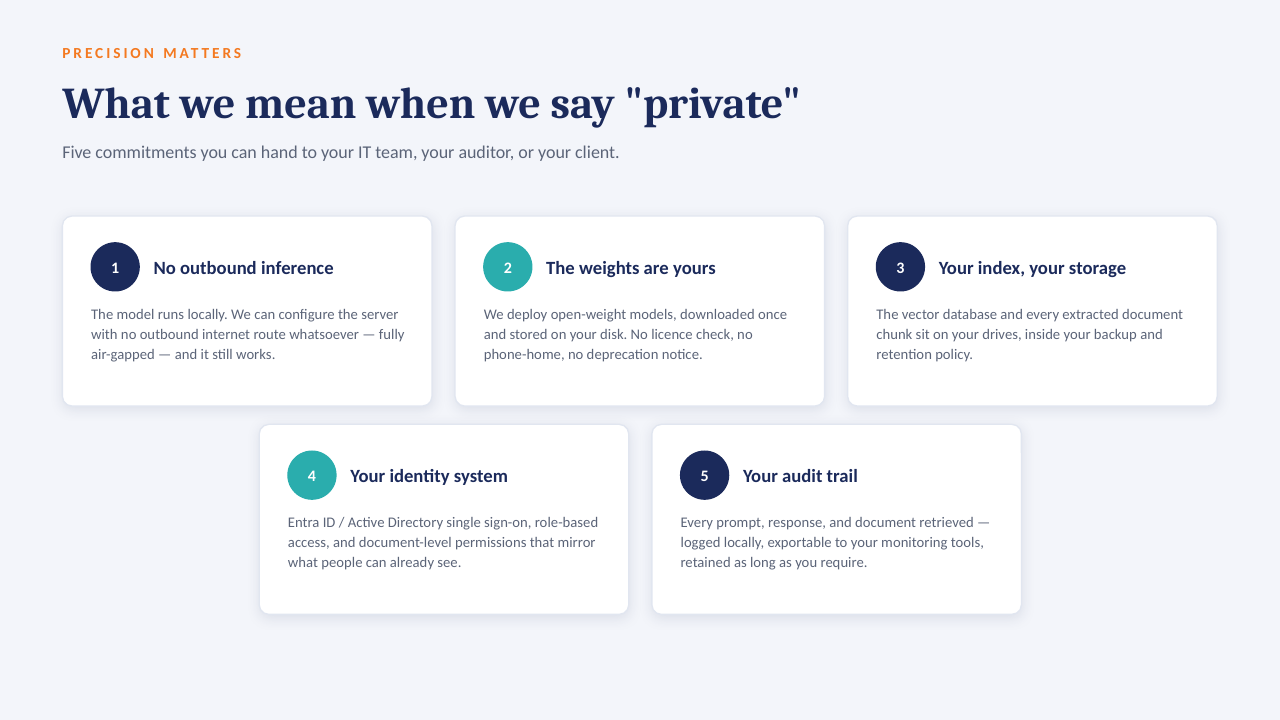
Private AI on your own server

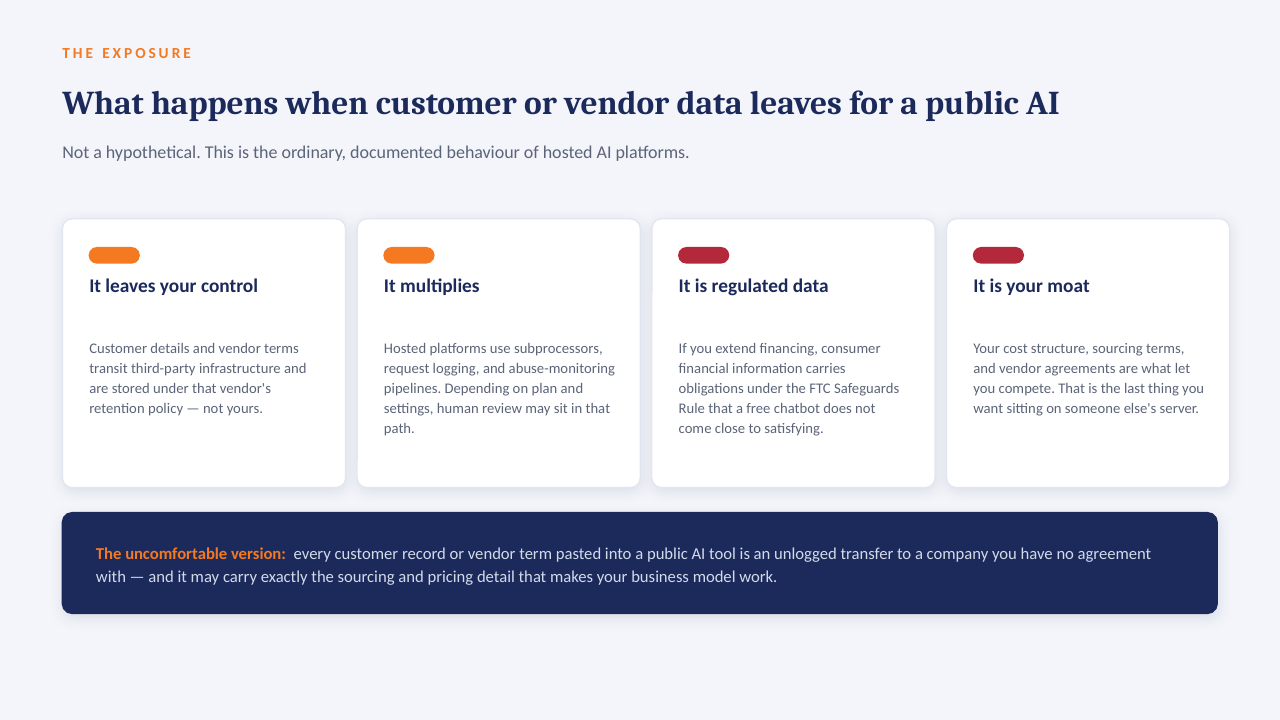
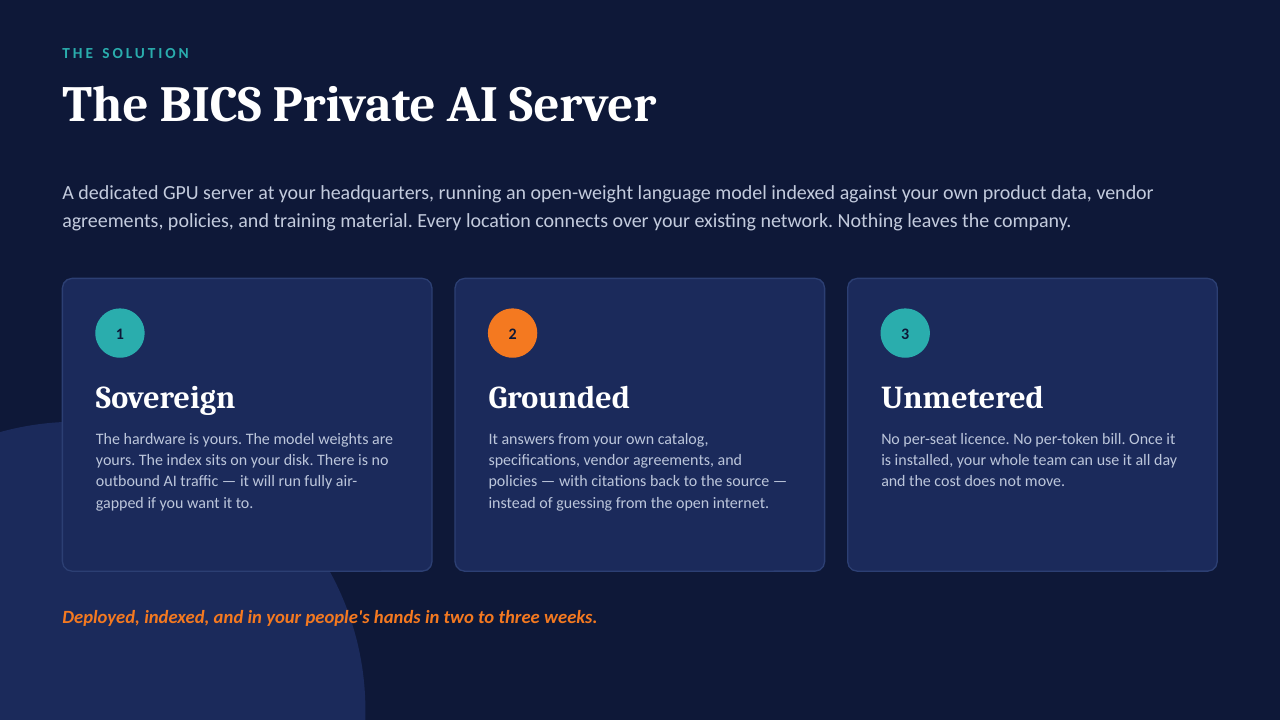
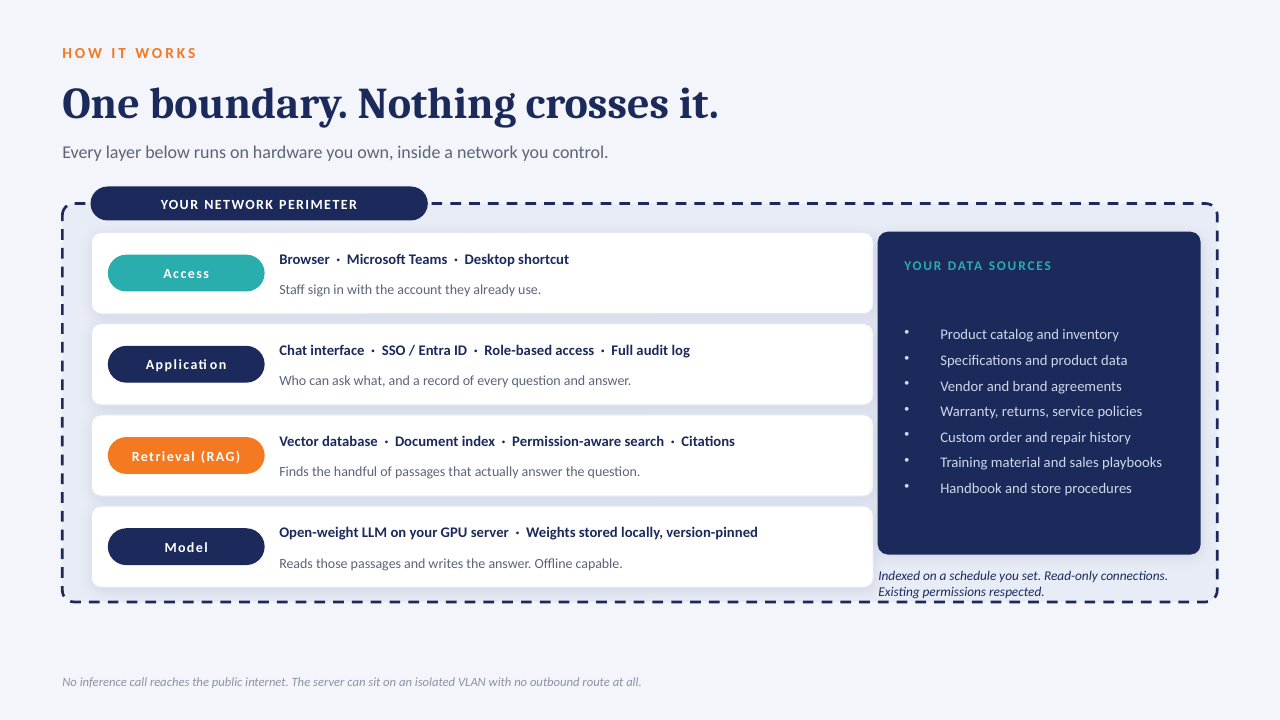
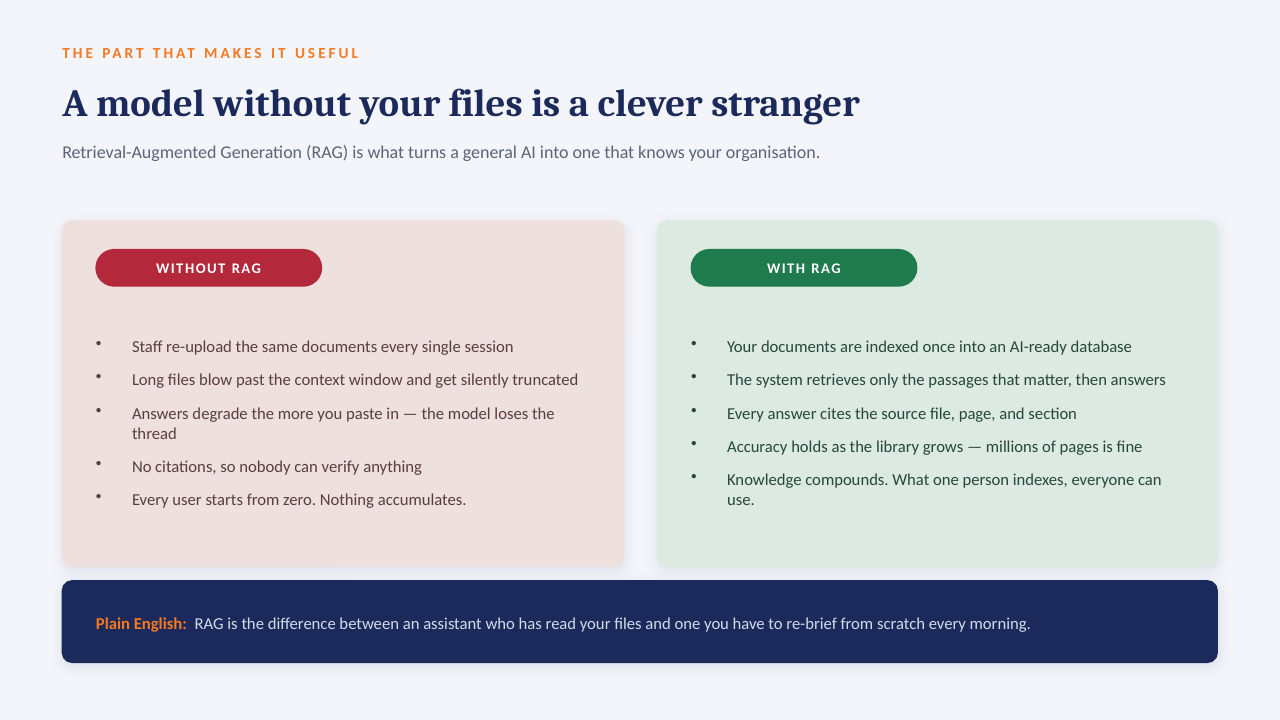
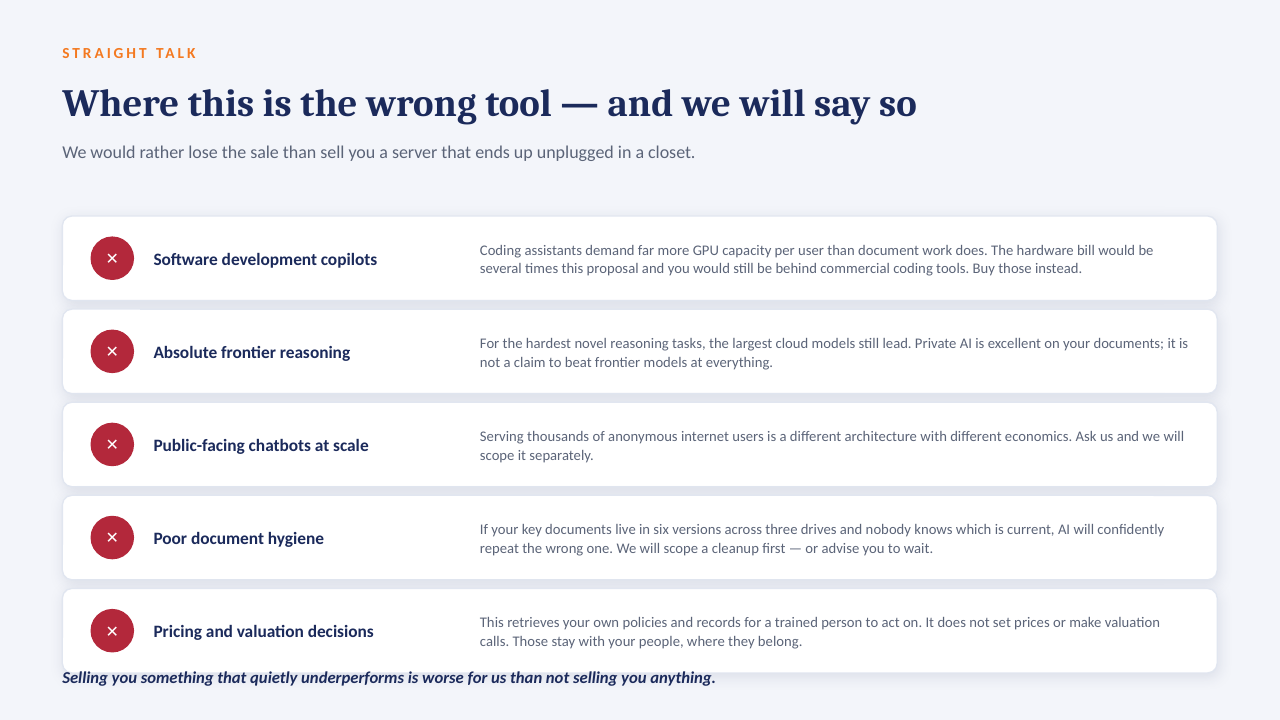
The "ask the data" panel above is built to run on a GPU server inside your own network: an open-weight model over your own documents, with every answer citing the file it came from. No per-seat licence, works offline, and nothing leaves the building.

How it sits in your environment

YOUR NETWORK · NOTHING LEAVES THE BUILDING Your files policies · SOPs · contracts reports · ERP exports indexed locally GPU One server, in your building open-weight model · your data only in seconds Cited answers every reply links to the source file and page no cloud AI · no third-party processor
One appliance-class server on your rack or in a secured closet. Your files are indexed where they already live; the model runs locally; answers come back with the source page attached.

What that means in practice

  1. 1
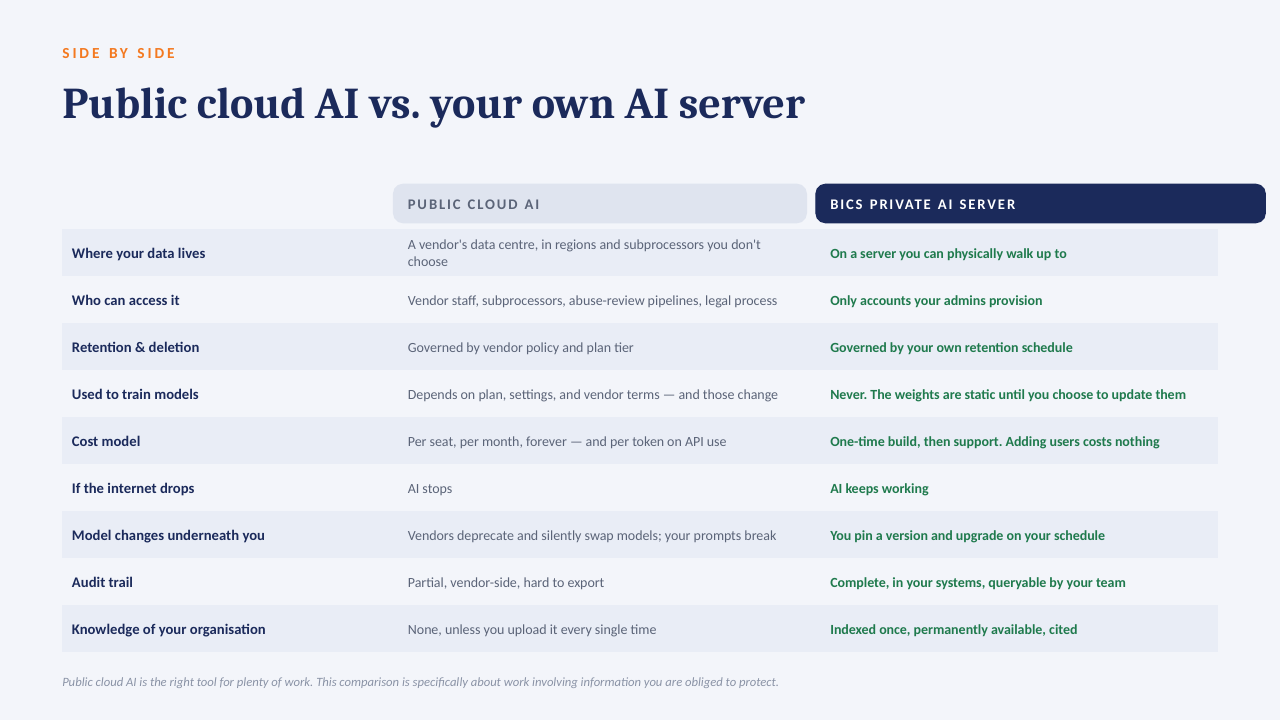
    Your data only, on your hardwareAn open model over your own documents and exports. No third-party AI processor, no data-transfer agreement to review.
  2. 2
    Every answer cites its sourceReplies point to the file and page they were drawn from, so people check the answer instead of trusting it blind.
  3. 3
    No per-seat licenceThe whole team can ask questions. Cost is the server and our build, not a monthly number that grows with headcount.
  4. 4
    Works offlineIf the internet connection goes down, the answers still come. Nothing depends on a vendor's uptime or pricing changes.

The short deck

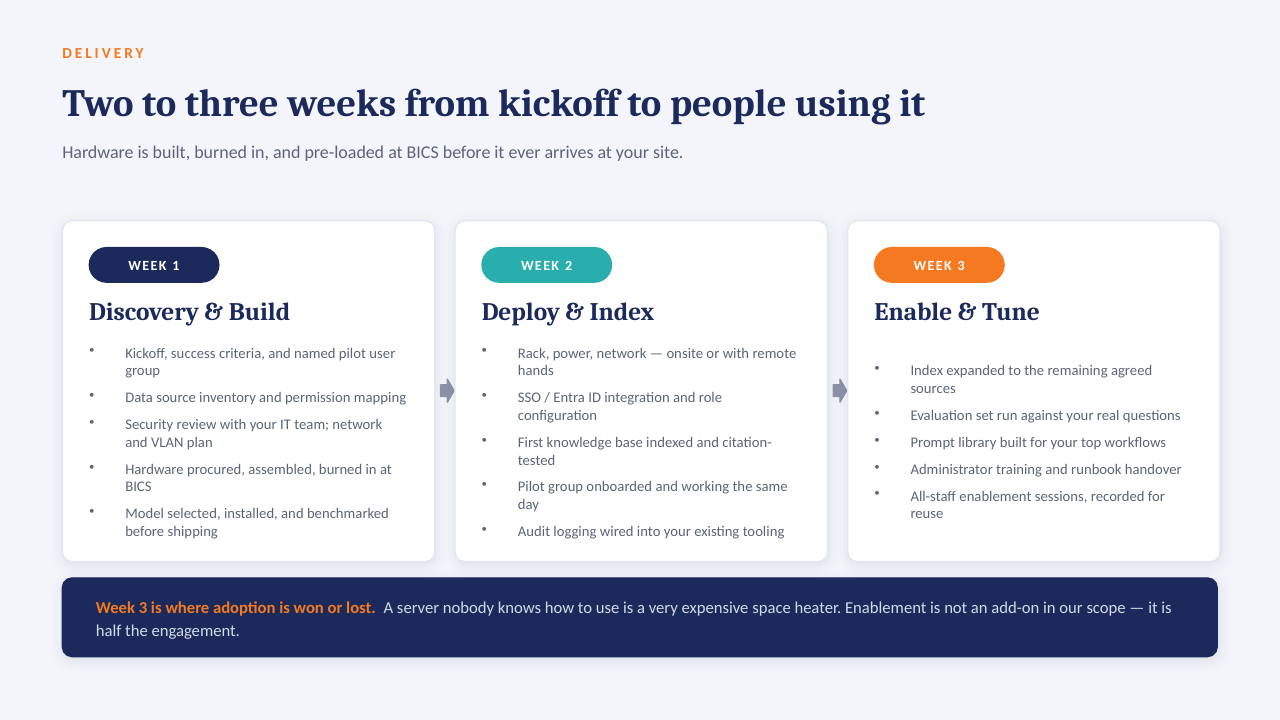
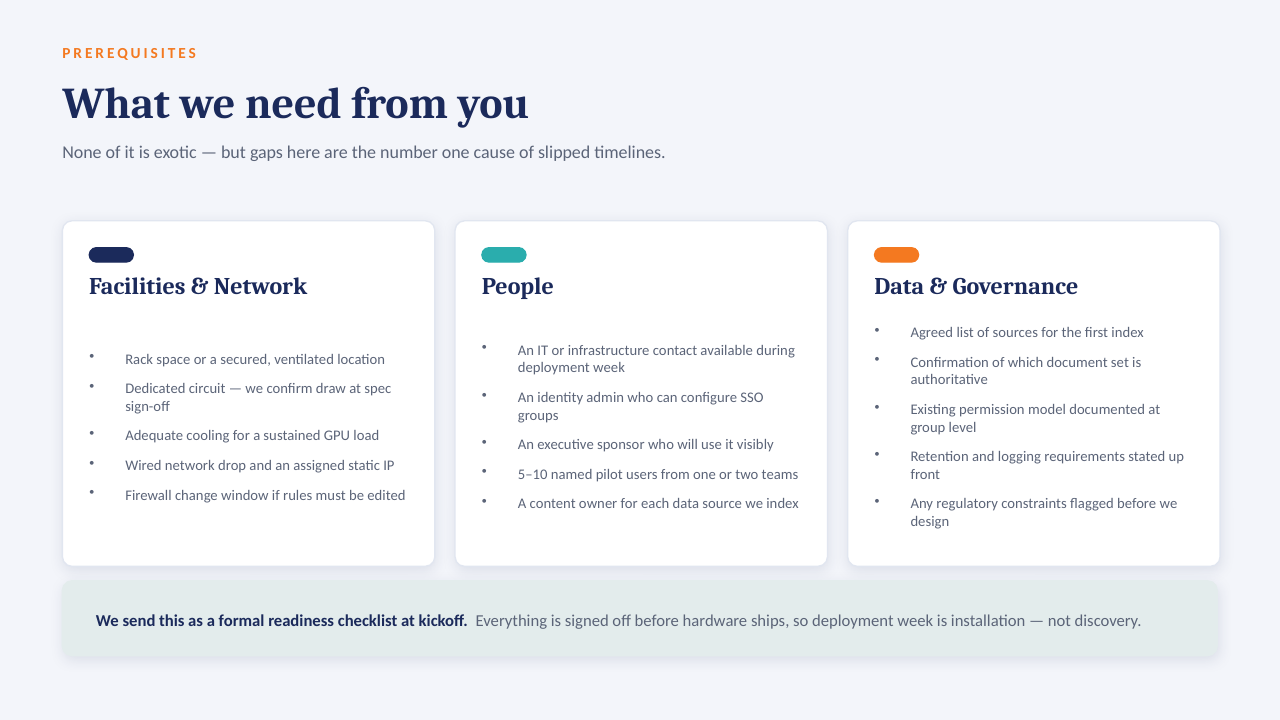
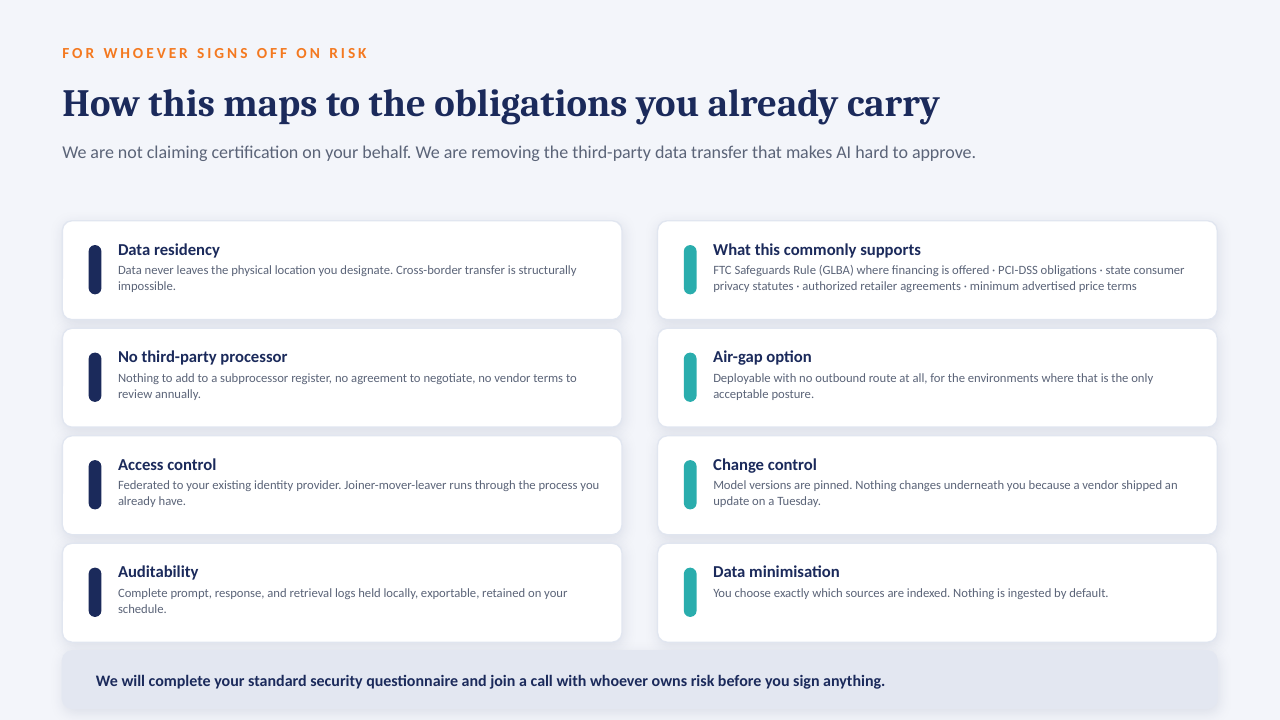
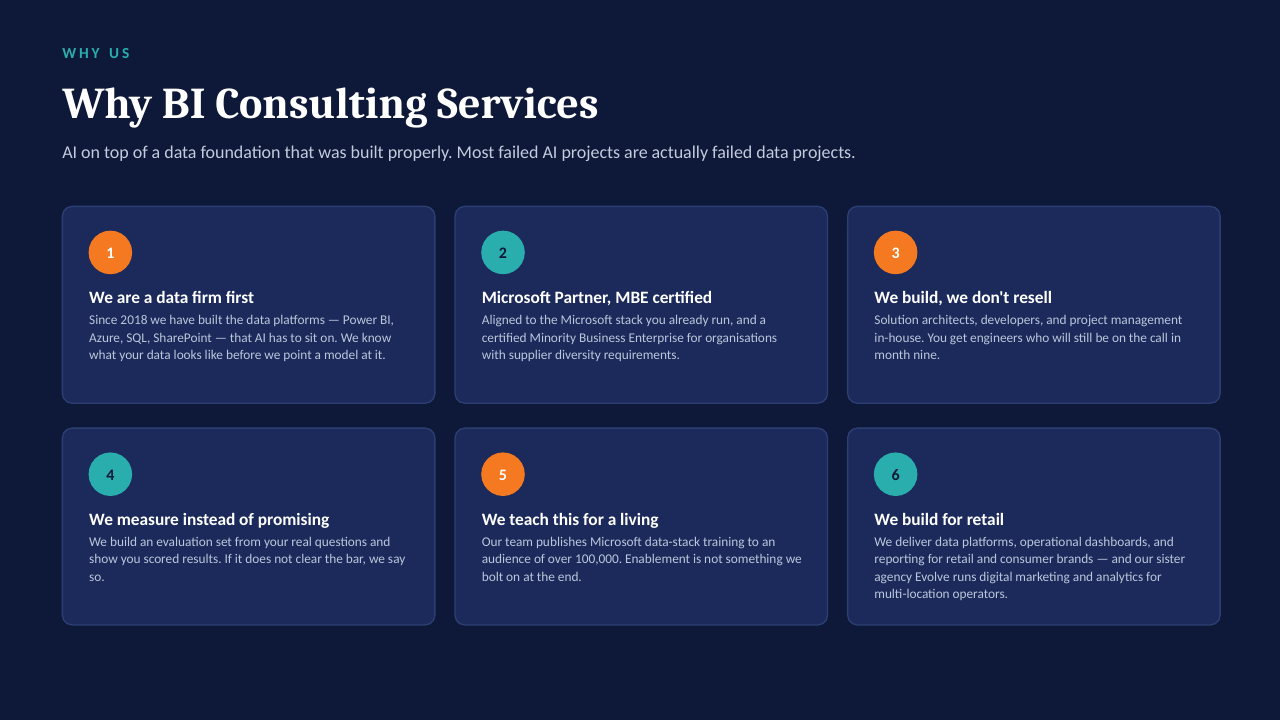
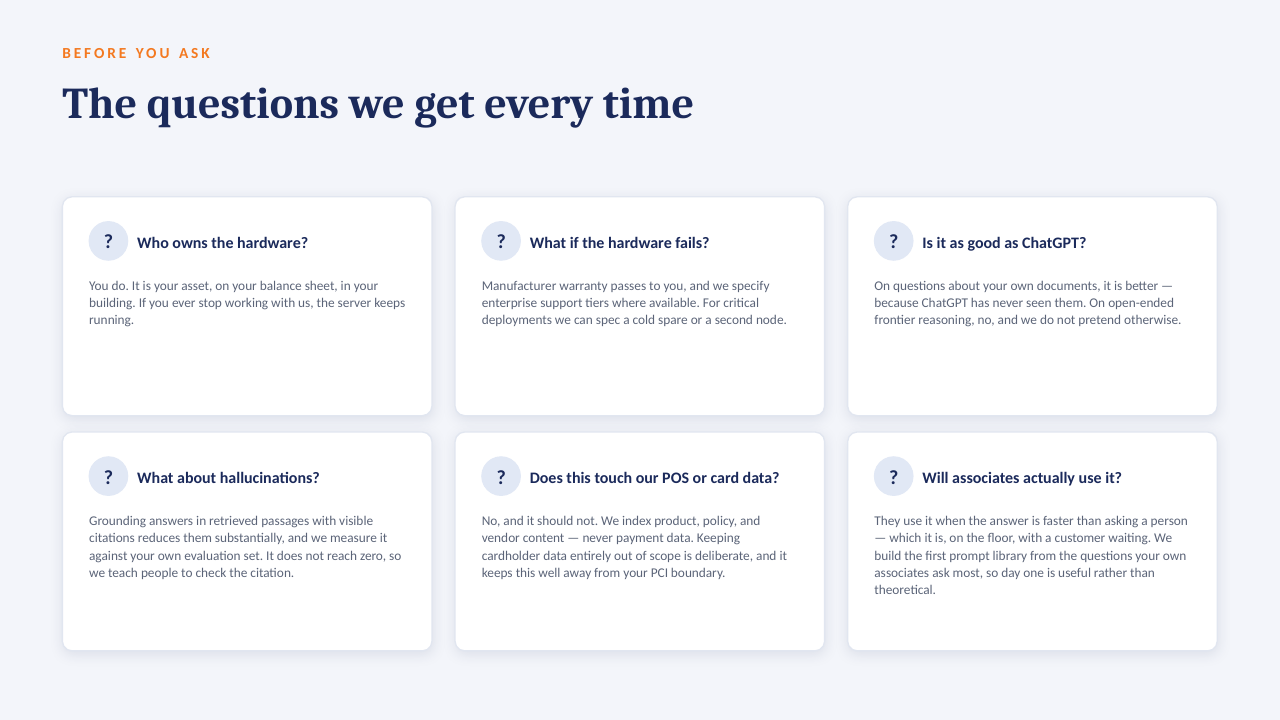
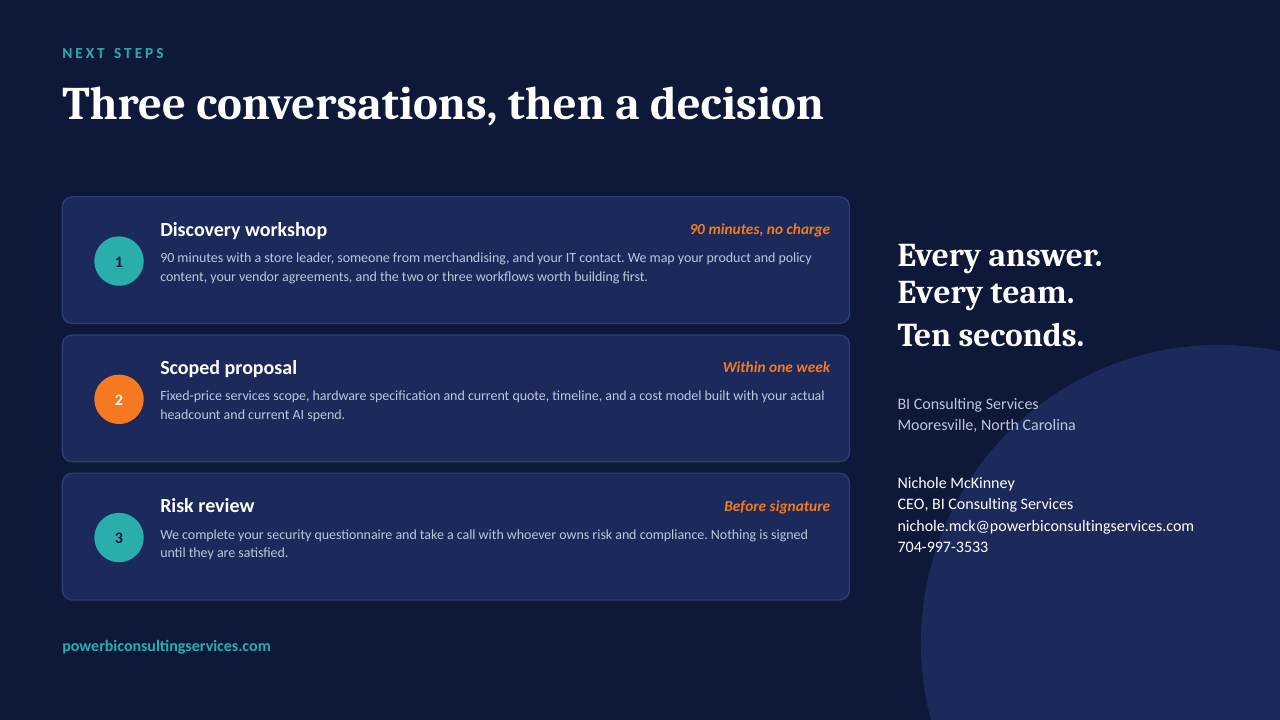
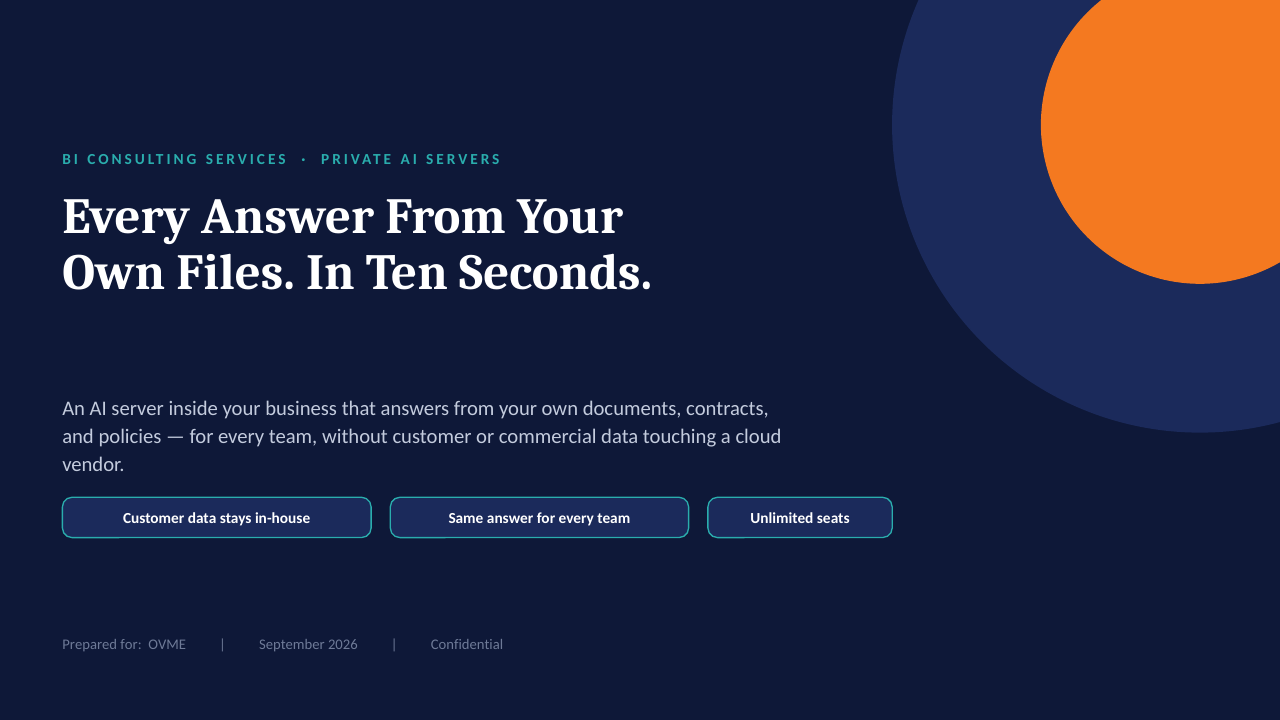
14 slides on how a private AI server is scoped, secured and rolled out. Click through, or take the PDF.

Download the PDF
Private AI on your own server — slide 1 of 14 Private AI on your own server — slide 2 of 14 Private AI on your own server — slide 3 of 14 Private AI on your own server — slide 4 of 14 Private AI on your own server — slide 5 of 14 Private AI on your own server — slide 6 of 14 Private AI on your own server — slide 7 of 14 Private AI on your own server — slide 8 of 14 Private AI on your own server — slide 9 of 14 Private AI on your own server — slide 10 of 14 Private AI on your own server — slide 11 of 14 Private AI on your own server — slide 12 of 14 Private AI on your own server — slide 13 of 14 Private AI on your own server — slide 14 of 14
1 / 14Tap or click a slide to advance · arrow keys work too

Worth a conversation? Book 30 minutes with NicholeBI Consulting Services · powerbiconsultingservices.com